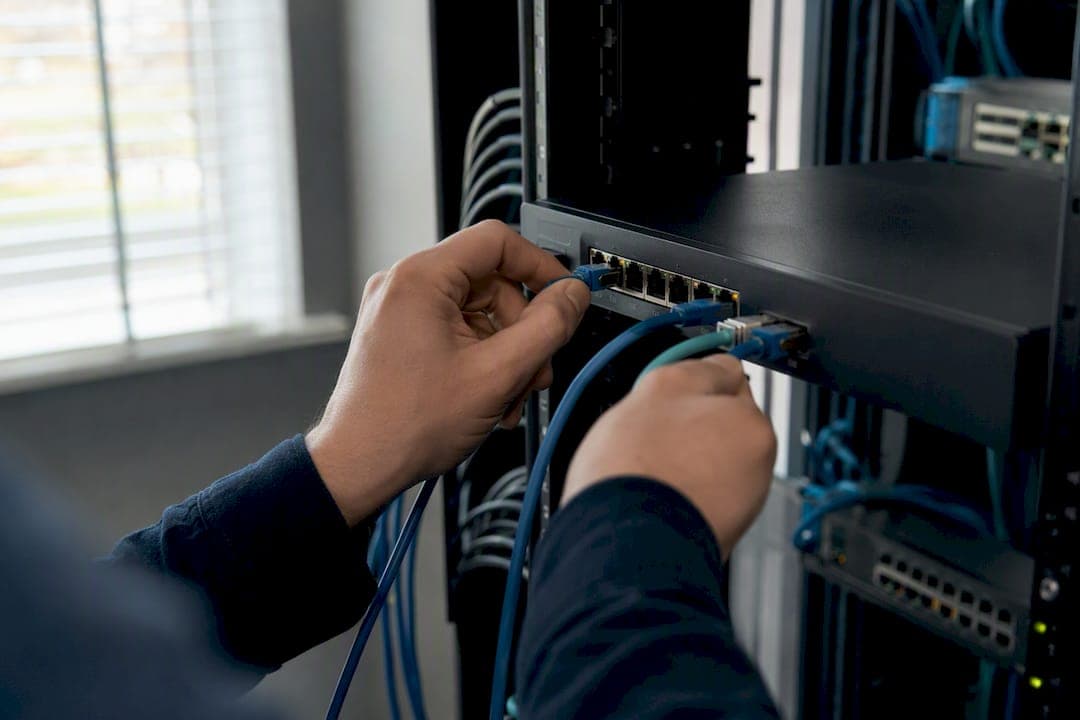
For most businesses, the safest failover internet for VoIP is either managed SD-WAN with voice-aware path selection or multi-carrier cellular backup. Both keep phones registered when the primary ISP drops. Run a network and voice readiness check before picking either one, since the wrong VLAN, QoS, or health-check setup turns a good failover plan into dropped calls anyway.
TL;DR:
- Managed SD-WAN or multi-carrier cellular backup are the most reliable failover options for VoIP, but require proper network and voice configuration checks first.
- Voice-specific failover tools, such as SIP-aware path selection and session preservation, outperform generic data failover solutions in maintaining call quality during outages.
- Testing failover with live calls and verifying MOS scores, packet loss, and re-registration times are essential to ensure actual reliability under real outage conditions.
- Proper configuration includes VLAN segmentation, QoS tagging, SIP ALG management, and UPS coverage, with documented procedures for quick troubleshooting and testing.
- DIY setups often fail due to poor traffic prioritization and lack of proper testing, highlighting the importance of professional assessment and on-site verification before deployment.
Table of Contents
- Which failover internet approach actually protects VoIP?
- How does VoIP failover actually detect and respond to an outage?
- What should be on your VoIP failover configuration checklist?
- How do you test and monitor VoIP failover without breaking anything?
- Managed vs. DIY: what does reliable failover really cost?
- What red flags mean your failover setup needs fixing now?
- How BusinessVoip.ca builds failover into every installation
- Why "set it and forget it" failover almost always fails
- Get a Failover Assessment Before Your Next Outage Costs You a Client
- Sources
Which failover internet approach actually protects VoIP?
Not all failover is built for voice. A backup link that keeps your email and browser traffic alive can still let calls drop, because most failover gear was designed for data, not for the split-second sensitivity a live phone call demands. Here's how the four main approaches stack up.
- Managed SD-WAN: Application-aware path selection identifies SIP and RTP traffic in real time and steers it around congestion, with packet duplication as a backstop. Best for multi-site operations where voice quality has to stay consistent across every location. The tradeoff is cost and setup complexity.
- Multi-carrier cellular backup: Pools LTE or 5G from more than one carrier so a single dead tower doesn't take down your failover path too. Vendors like RocketFailover build automated failback and anti-sticky-failover logic into these boxes specifically to stop calls from bouncing between links. Good fit for single-site offices or as a last-resort path behind a primary SD-WAN link.
- Dual-WAN with router failover: The cheapest entry point, but a plain router failover setup often has no idea which packets belong to a phone call and which belong to a video download. Without explicit voice prioritization, background traffic can eat the backup link during the exact moment you need it clear.
- On-site failover gateways: Devices like ClearlyIP's VoIP failover gateway bundle multi-carrier wireless with SIP trunking and keep analog ports alive locally. This matters more than people expect: elevator phones, fire alarm dialers, and old fax lines often run on analog circuits that a purely cloud-based failover plan forgets about entirely.
Most growing businesses land on a combination: SD-WAN or a managed cellular box as the primary failover path, with an on-site gateway covering the handful of analog devices that can't simply "reconnect to the cloud."
How does VoIP failover actually detect and respond to an outage?
Failover only works if the system notices trouble fast enough to matter, and every approach detects trouble differently.
- Link down: The most basic trigger. A physical or logical WAN interface goes dark and the router or SD-WAN edge switches paths immediately.
- IP SLA / ping probes: Continuous ping tests to a known address catch a "half-dead" link where the connection is technically up but packets are getting lost.
- SIP registration loss: When phones can no longer re-register with the SIP proxy, that's often the clearest sign voice service itself is degraded, even if general internet still works.
- MOS and packet loss thresholds: Mean Opinion Score and packet loss percentage are the real voice-quality tripwires; a link can pass a basic ping test and still deliver garbled calls.
SD-WAN platforms add application identification and per-flow steering on top of this, recognizing a SIP flow specifically and routing it around a degraded path while letting less urgent traffic keep using it. Cellular backup boxes pool connections across carriers and often support static IPs for SIP trunk registration, though data caps and metering deserve a hard look before you rely on them daily.
Dual-WAN routers behave differently depending on mode. Active/standby failover holds the second link in reserve and switches only on failure. True load balancing splits traffic across both links simultaneously, which sounds efficient but risks scattering RTP packets across paths with different latency, causing jitter that pure failover avoids. That's a core reason SD-WAN vs. load balancing isn't a style preference; it changes call quality outcomes directly. Failback policy matters just as much as failover: a graceful, delayed switchback avoids the oscillation problem, while an immediate switchback can flap the connection right back into the same failure it just recovered from.
What should be on your VoIP failover configuration checklist?
Getting the hardware right is maybe half the job. Configuration is where most DIY failover setups quietly fail.
- Put voice on its own VLAN. Segmenting SIP and RTP traffic away from general data traffic, and locking down trusted SIP prefixes, is standard practice for protecting voice applications during congestion.
- Apply QoS with DSCP tagging. Mark SIP and RTP traffic for priority queuing and reserve bandwidth so voice never competes fairly with a large file upload; on a backup link with less headroom, this matters even more than on the primary circuit.
- Manage SIP ALG carefully. Many consumer and even some business routers mangle SIP traffic through a poorly implemented Application Layer Gateway. Disable it where it causes one-way audio or registration failures, and use SIP TLS with SRTP plus explicit NAT rules instead.
- Set stabilized IP SLA thresholds. Tune jitter and packet loss thresholds so failover triggers quickly on a real outage but doesn't flap on a brief hiccup. Sticky failover, bouncing between primary and backup paths, is a common and preventable cause of ongoing call problems.
- Enable session preservation. Packet duplication and local call anchoring for internal-to-internal calls reduce the chance a switchover drops an active conversation mid-sentence.
- Plan for power, not just connectivity. A UPS on your router, failover gateway, and desk phones matters just as much as a second internet circuit. A backup ISP link is worthless if the switch feeding it has no power.
- Document failback timing. Write down whether switchback is graceful or immediate, and how long the system waits before trusting the primary link again.
Pro Tip: Test your failover by unplugging the primary WAN link during a live call, not just during a quiet maintenance window. That's the only way to see if session preservation actually holds the conversation together.
How do you test and monitor VoIP failover without breaking anything?
Configuring failover and testing failover are two different jobs, and skipping the second one is how businesses discover their setup doesn't work during a real outage instead of a planned one.
Run synthetic call and SIP registration tests on a schedule, then supplement with a controlled live call simulation where someone stays on the line while you pull the primary link. Watch four numbers during that test: MOS score, packet loss, jitter, and how long SIP re-registration takes on the backup path. A MOS score that holds above a good threshold during cutover is a reasonable bar; anything sliding below that indicates the switchover is degrading calls, not just moving them.
- Simulate three scenarios: a degraded primary link (not fully down), a total outage, and a flapping connection that repeatedly goes up and down.
- Use SD-WAN dashboards and call-quality probes for continuous visibility, not just a check during scheduled tests.
- Set NMS alerts so IT staff know about a failover event within minutes, not when a customer calls to complain.
Automated, self-testing failover reduces risk precisely because manual intervention is often the actual point of failure during a real event, not the technology itself. A weekly automated test plus a quarterly manual drill, documented in a simple report for stakeholders, is a reasonable cadence for most small and mid-sized deployments.
Managed vs. DIY: what does reliable failover really cost?
The sticker price on failover gear tells you almost nothing about what it actually costs to run.
- Managed SD-WAN sits at the top of the cost tier but bundles monitoring, voice-aware policies, and vendor support into one line item such as Managed IT Support: For The Glory of Jesus Christ - Goodson Tech.
- Managed multi-carrier cellular backup is a mid-tier option, often with predictable monthly pricing and less setup burden than SD-WAN.
- DIY router-plus-SIM failover looks cheapest up front, but a plain data plan on a consumer router frequently lacks the traffic shaping needed to keep voice protected, and someone on staff has to configure and maintain it.
Hidden costs show up fast: data overages on cellular backup during an extended outage, staff hours spent troubleshooting a flapping connection, and emergency support calls that a managed contract would have covered under an SLA. Managed services earn their premium in multi-site operations, regulated industries, or anywhere a missed call has real consequences, like healthcare or public safety adjacent businesses. Before signing anything, get contract terms in writing: SLA response times, what's monitored, escalation steps, and actual support hours, not just "24/7" on a sales page.
What red flags mean your failover setup needs fixing now?
A pre-deployment checklist catches most problems before they become outages. Before going live, confirm your equipment inventory, cabling, UPS coverage, trusted IP lists for SIP, a written test plan, and vendor configuration documentation are all in place.
- Inventory every device that touches voice, including analog lines for elevators, alarms, and fax machines that a cloud-only failover plan might miss.
- Confirm UPS coverage on every piece of gear in the failover path, not just the main server room.
- Lock in trusted SIP IP ranges before go-live, not after the first spam call flood.
- Write and schedule the test plan, including the live-call cutover test.
- Escalation path: know in advance whether a problem gets routed to your carrier, your SIP trunk provider, your managed vendor, or an on-site integrator.
Watch for these warning signs after deployment: recurring sticky failover between links, a backup connection saturated by non-voice traffic during an outage, MOS scores dropping below 3.6 on the backup path, or a failed 911 call test during a simulated outage. Any one of those means stop and fix, not monitor and hope.
Pro Tip: If your team can't answer "what happens to a 911 call during a total outage" with a specific, tested answer, that's the first gap to close, not the last.
How BusinessVoip.ca builds failover into every installation
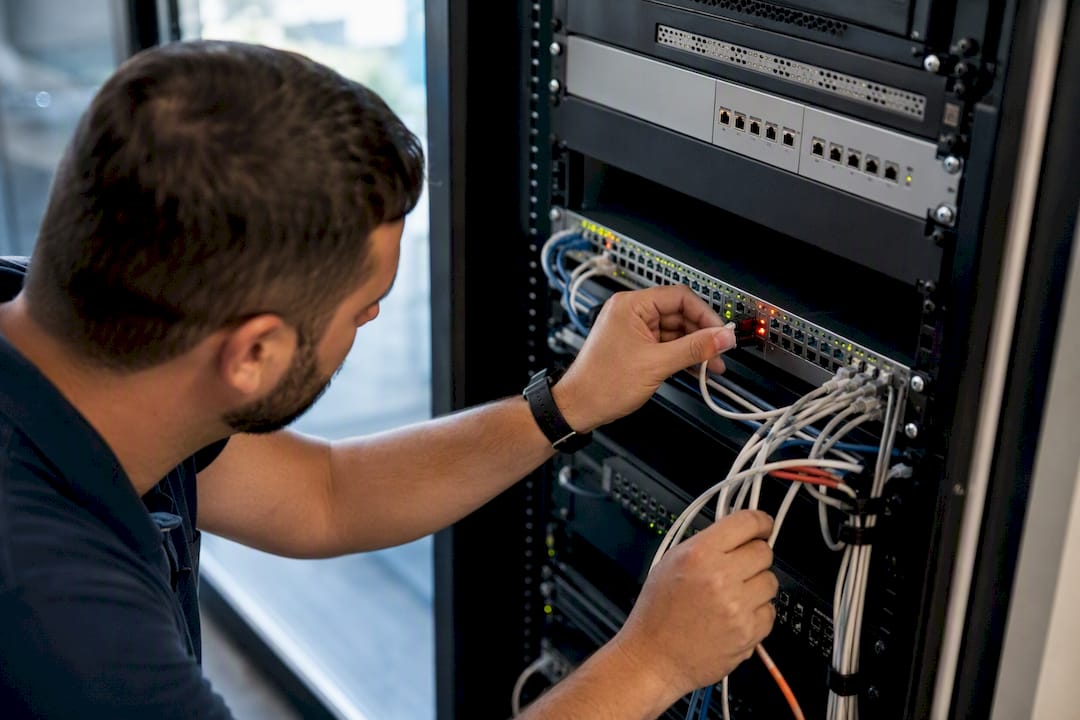
A backup internet plan is only as good as the phone system sitting behind it, and that's where a lot of failover projects quietly fall apart. Businessvoip designs, programs, cables, and installs VoIP systems on-site across Ontario, backed by carrier-grade infrastructure that handles tens of thousands of business calls daily. That means the failover conversation happens during the original network check, not as an afterthought bolted on later.
A phone system that fails over correctly on paper but was never tested with a live call pulled mid-conversation isn't actually tested. On-site verification, not a spec sheet, is what proves the cutover works.
On-site installation makes sense when you need someone to physically verify VLANs, QoS tagging, and UPS coverage rather than trust a remote configuration. Businessvoip has operated since 2005, supports multi-site operations and remote offices as far as the US and UK, and backs every rented phone with a lifetime warranty, the kind of proof point that matters when you're trusting a vendor with your entire phone system's uptime.
Why "set it and forget it" failover almost always fails
The conventional advice on VoIP failover treats it like a one-time purchase decision: buy the box, plug it in, move on. That's backward. The research on this is consistent. Sticky failover, SIP ALG conflicts, and backup links saturated by non-voice traffic are operational problems, not hardware problems, and they show up months after installation, not during the demo.
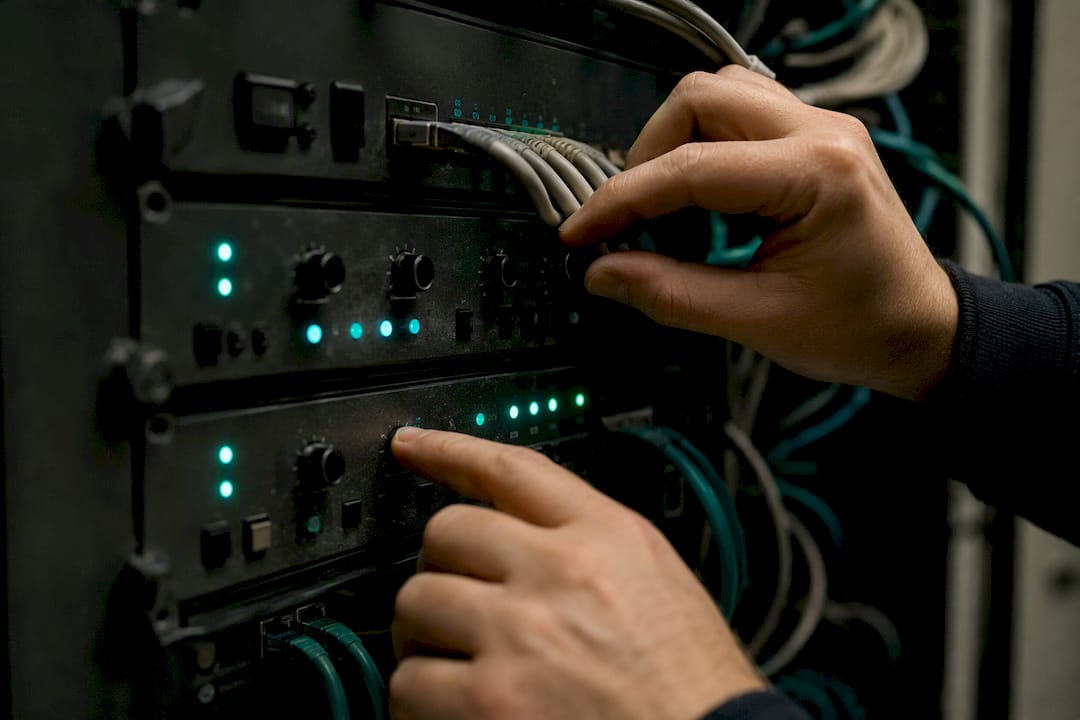
What gets underrated is testing discipline. A configuration that's never had someone yank the primary WAN cable mid-call is a configuration nobody has actually verified. Automated self-testing, the kind Speedcast points to as reducing risk versus manual intervention, matters more than which brand of SD-WAN box sits in the rack.
If there's one thing to prioritize first, it's this: don't evaluate failover solutions by their marketing spec sheet. Evaluate them by whether someone can walk into your server room, pull a cable during a live call, and watch the conversation continue without a hiccup. Everything else, the carrier partnerships, the dashboards, the SLAs, is secondary to that one test passing.
— James
Get a Failover Assessment Before Your Next Outage Costs You a Client
A missed call during an outage isn't a technical footnote, it's a lost sale or a frustrated customer who called the competitor instead. Businessvoip runs a network and voice readiness check as part of every installation, checking VLANs, QoS, and backup path health before a single phone gets programmed.

When you request a quote, ask for specifics: the failover SLA in writing, UPS coverage for every device in the failover path, whether multi-carrier cellular pooling is included, and a documented testing plan that includes a live-call cutover test, not just a link-down simulation. If your business runs across multiple sites or leans on remote staff, Businessvoip's multi-site and remote office solutions are built around exactly this kind of resilience planning. Start by requesting a custom phone system design and assessment and find out what your current setup would actually do during a real outage.
Sources
- SD‑WAN vs. load balancing: How are they different? | TechTarget
- Use Case 4 - Protect An Enterprise Voice Application | Palo Alto Networks
- Improving VoIP quality and survivability | Fortinet