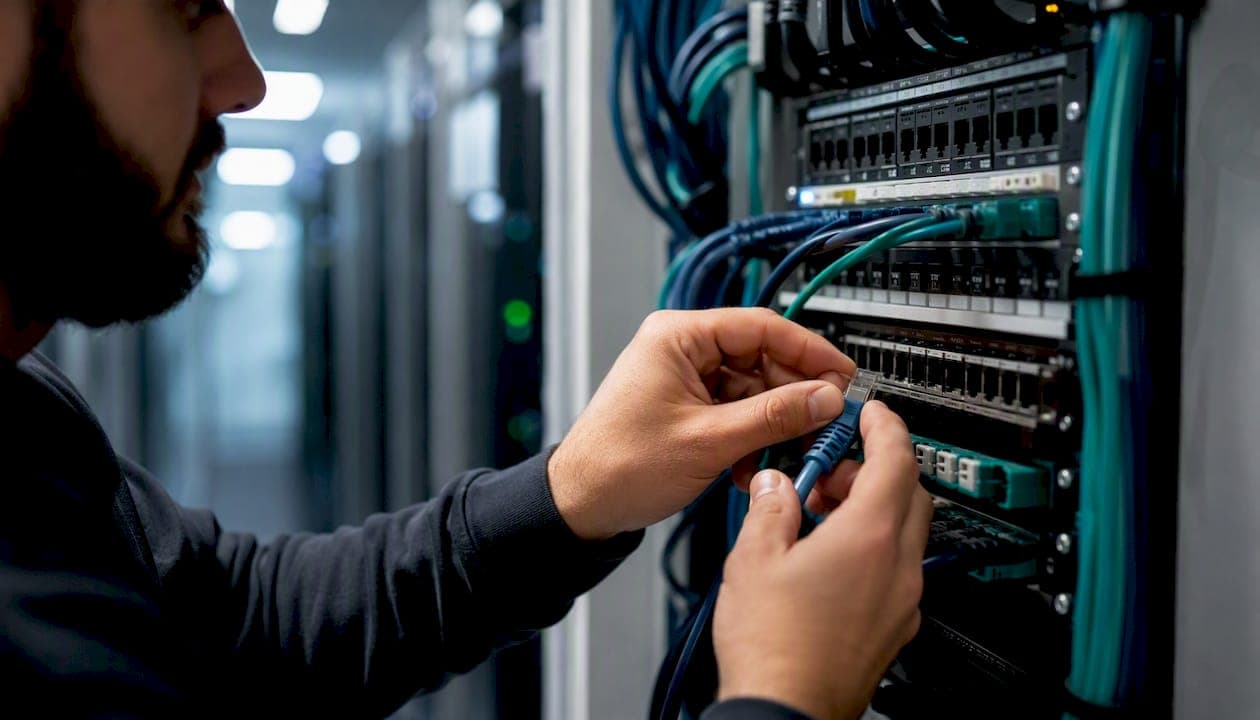
Yes, VoIP is reliable enough for business use, provided you confirm three things before you ever plug in a phone. Most VoIP problems that businesses blame on "the phone system" actually trace back to gaps in these three areas, not the technology itself.
- Internet redundancy: a single connection with no backup is the single biggest point of failure in any VoIP deployment.
- Provider architecture and SLA: the contract terms and the infrastructure behind them (geographic redundancy, carrier diversity, monitoring) determine whether an advertised uptime number means anything.
- Local power and network resilience: a UPS on your router and switches, correct QoS configuration, and a properly cabled network keep your side of the equation from being the weak link.
An advertised 99.99% uptime figure is worthless if your office loses power during a storm or your router has no failover path. Reliability is a system property, built from your local setup, your internet connections, and your provider's backbone working together, not a single percentage on a sales page.
Key Takeaways
Reliable VoIP uptime depends less on the SLA number a provider advertises and more on internet redundancy, correct network configuration, and on-site power resilience working together.
| Point | Details |
|---|---|
| Immediate check | Test your current jitter, latency, and packet loss during a business call and compare against the under 150 ms latency, under 1% packet loss ranges. |
| Medium-term project | Add a genuinely independent secondary internet connection and configure QoS to prioritize voice traffic on your router. |
| Escalation trigger | Repeated MOS scores below 3.5, or unexplained outages after a DIY fix attempt, mean it's time to bring in a specialist. |
| SLA literacy | A 99.9% SLA still allows 8.76 hours of downtime a year; read exclusions before trusting the headline percentage. |
| Managed installation option | Businessvoip designs, cables, and installs on-site VoIP systems with redundancy and failover configured before handoff. |
Table of Contents
- What Is VoIP and How Does a Call Actually Travel?
- How Is VoIP Uptime Reliability Actually Measured?
- What Actually Causes VoIP Reliability Problems?
- What Do VoIP SLAs Really Guarantee, and How Does Redundancy Help?
- How Do You Actually Improve VoIP Uptime?
- What Should You Monitor, and What Do the Numbers Mean?
- VoIP vs. Landlines: Which One Is Actually More Reliable?
- When Should You Handle This Yourself, and When Do You Call a Professional?
- How BusinessVoip.ca Closes the Reliability Gaps This Article Just Named
- Sources
What Is VoIP and How Does a Call Actually Travel?
VoIP, or Voice over Internet Protocol, converts your voice into data packets and sends them over the internet instead of a dedicated copper phone line. For a business, that means your phone system runs as software and cloud infrastructure rather than a room full of hardware, and your "phone line" is really just another application competing for bandwidth on your network.
A call typically follows this path: your handset or softphone captures audio, your local network carries it to your router, your internet service provider's "last mile" connection carries it out to the wider internet, and your VoIP provider's servers route it either to another VoIP endpoint or hand it off to the traditional phone network (PSTN) through a carrier interconnect. Every one of those links is a place where quality can degrade, and understanding that chain matters more than knowing any technical spec, because it tells you where to look when something breaks.
This is also why cloud-hosted VoIP changed the reliability conversation compared to old-fashioned on-premise PBX systems. A physical PBX in your server closet is a single point of failure. Hosted platforms spread call handling across multiple data centers, so a hardware failure in one location does not necessarily take your phones down. The tradeoff is that your reliability now depends partly on the public internet, and broadband usage in the US has grown to the point where nearly every business assumes internet access as a utility, which is exactly why internet resiliency planning has become part of VoIP planning rather than a separate IT concern.
How Is VoIP Uptime Reliability Actually Measured?
VoIP reliability isn't one number. It's a combination of five metrics that each describe a different way a call can fail, and business owners who only look at "uptime percentage" are missing most of the picture.
- Uptime / SLA: the percentage of time the service is available, usually measured monthly or annually.
- Latency: the round-trip time for a data packet to travel from your phone to the other party and back, measured in milliseconds.
- Jitter: variation in the timing between packets arriving, which causes choppy or robotic-sounding audio.
- Packet loss: the percentage of voice data packets that never arrive, causing gaps or dropped words.
- MOS (Mean Opinion Score): a 1 to 5 quality rating that blends the above factors into a single score approximating what a human ear perceives.
Here's how those numbers translate into what a caller actually hears:
| Metric | Good range for business calls | What happens outside that range |
|---|---|---|
| Latency | Under 150 ms round-trip | Callers start talking over each other; conversation feels delayed |
| Jitter | Under 30 ms, ideally near 1 ms | Voice sounds robotic, choppy, or garbled |
| Packet loss | Under 1% | Words drop out; in severe cases, calls disconnect |
| MOS score | high quality | Below 3.5, most callers describe quality as "poor" |
That jitter figure is worth sitting with. Verizon's own VoIP SLA documentation commits to a jitter target of just 1.0 millisecond for enterprise service, alongside a 99.99% network availability SLA measured by trouble-ticket time. That's the standard a serious provider holds itself to, not the loose "under 30 ms" range that consumer-grade guidance sometimes tolerates.
Statistic callout: SLA percentages sound abstract until you convert them into actual downtime. A 99% uptime guarantee allows for 87.6 hours of downtime per year, which is more than three and a half full days. A 99.9% SLA, the common baseline for business phone systems, cuts that to 8.76 hours annually. Push to 99.99%, the benchmark serious providers target, and you're down to 52.6 minutes a year. At 99.999%, the rare "five nines" tier, annual downtime shrinks to just 5.26 minutes. That difference between 99% and 99.99% is roughly the gap between "acceptable inconvenience" and "practically invisible."
What Actually Causes VoIP Reliability Problems?
Most VoIP reliability issues aren't cloud outages. They're last-mile problems, meaning the connection between your building and your internet provider, and they happen far more often than any headline-grabbing provider outage.
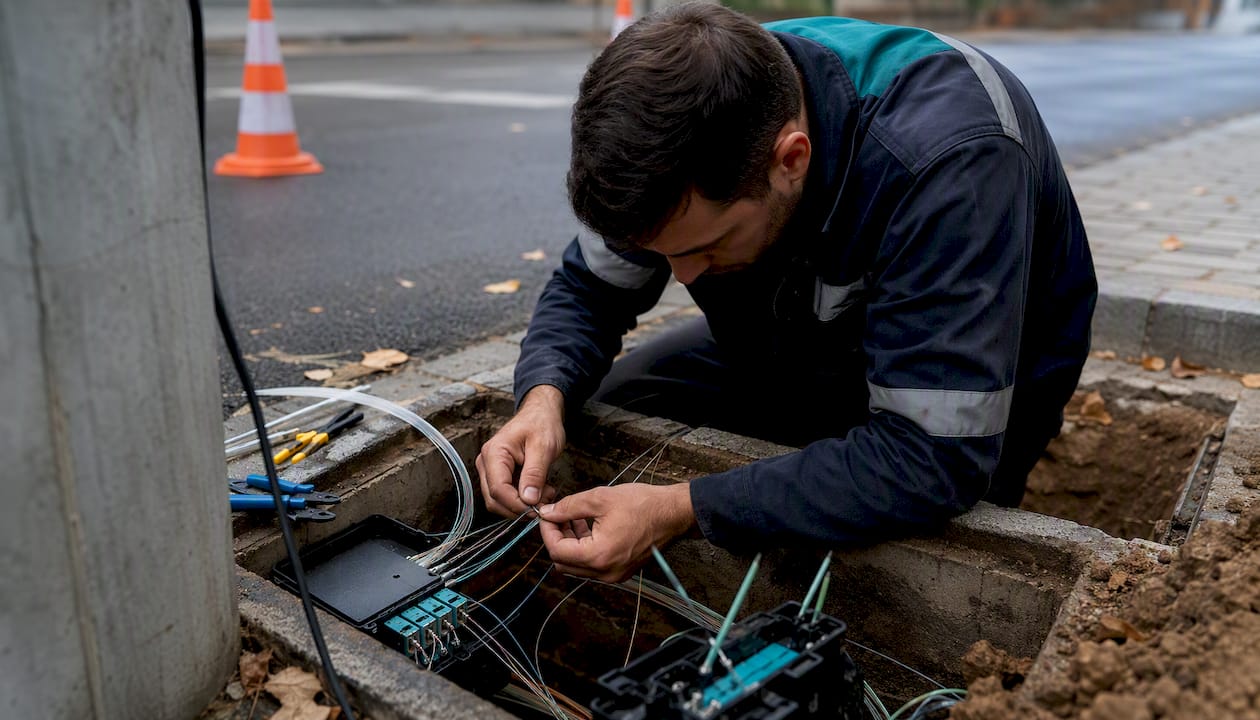
The last mile is where things break. Your provider's data centers might run at five-nines reliability, but if the fiber or cable line running to your building gets congested during peak hours, or if a nearby construction crew clips a line, none of that backend redundancy helps you. Packet loss and jitter caused by last-mile congestion are consistently the most common sources of call quality complaints, well ahead of provider-side failures.
Network configuration decides whether your bandwidth is enough. Raw bandwidth matters less than how it's managed. A 100 Mbps connection with no traffic prioritization can still produce choppy calls if someone starts a large file upload during a client call. Quality of Service (QoS) marking tells your router to treat voice packets as higher priority than a Netflix stream or a cloud backup job. Segregating voice traffic onto its own VLAN, and having genuine upstream carrier diversity rather than two connections that both ride the same regional fiber trunk, both reduce the odds that one congestion event takes down your phones.
Site-level factors are easy to overlook. In-building cabling quality, whether your switches supply Power over Ethernet cleanly, and the quality of the SIP endpoints (physical desk phones or softphone clients) themselves all shape call reliability. Cheap, unmanaged switches under a desk are a more common culprit than businesses expect.
Provider-side engineering is the other half of the equation. Geographic redundancy across data centers, diverse carrier interconnects, continuous monitoring, and regularly tested disaster-recovery procedures are what actually convert an advertised SLA into real-world uptime. A provider that has never tested its own failover plan is asking you to trust a number nobody has verified.
Pro Tip: If call quality problems happen at the same time every day, especially during business hours when everyone is on video calls or uploading files, suspect your local network and QoS setup. If problems are random, brief, and unrelated to your office activity, suspect the last mile or your provider's routing. Run a continuous ping test to your provider's server during a bad call; steady latency with occasional spikes points to local contention, while erratic latency throughout points upstream.
What Do VoIP SLAs Really Guarantee, and How Does Redundancy Help?
An SLA is a promise about the provider's infrastructure, not a guarantee that your phones will never go down. Understanding that distinction changes how you read every uptime number a vendor puts in a proposal.
Take the math from the section above and put it next to a real contract. SimpleVoIP's published SLA commits to 99.99% monthly availability, which lines up with the enterprise-grade tier discussed earlier: about 52.6 minutes of allowable downtime per year.
Read the exclusions before you read the headline number. Most SLAs exclude scheduled maintenance windows, force majeure events, and any downtime caused by the customer's own network or equipment. That last exclusion matters enormously: if your office internet goes down, your provider's SLA doesn't cover it, because the outage never touched their infrastructure. And when an SLA is breached, the remedy is almost always a service credit toward a future bill, not compensation for the sales calls you missed. A day of lost revenue rarely gets recovered by a $50 credit.
This is exactly why redundancy architecture matters more than the SLA percentage itself. A few patterns show up repeatedly among businesses that rarely experience real downtime:
- Multi-datacenter hosting, so a single facility outage doesn't take the whole service down.
- Dual-ISP setups with automatic failover, where a secondary connection (often a different technology, like cable paired with fixed wireless or fiber) takes over within seconds if the primary drops.
- Cellular backup for desk phones, letting critical lines fail over to a mobile network during a full internet outage.
- Automatic call forwarding to mobile numbers, so incoming calls still reach staff even if every desk phone is offline.
That's the practical target: not a perfect record, but downtime measured in minutes rather than hours.
How Do You Actually Improve VoIP Uptime?
Fixing reliability is a sequence, not a single purchase. Start with the changes that cost little and deliver the most protection, then work toward the bigger structural investments.
Fast, high-impact fixes (days, not months):
- Add a secondary internet connection, ideally from a different provider using different infrastructure (cable plus fixed wireless, or fiber plus a cellular hotspot as a bare minimum).
- Configure QoS on your router to prioritize voice traffic (RTP) ahead of general data traffic.
- Put voice traffic on its own VLAN, separating it logically from the rest of your office network.
- Install a UPS on your router, switches, and any on-site VoIP hardware, so a power blip doesn't take phones down before the backup connection even gets tested.
Medium and longer-term investments:
- Negotiate genuine carrier diversity with your provider rather than assuming redundancy exists.
- Set up automatic failover routing at the provider level, so inbound calls reroute to mobile numbers or a backup site during an outage.
- Run scheduled failover drills, unplugging the primary connection deliberately to confirm the backup actually activates and call quality holds.
A basic QoS configuration usually means marking voice traffic with a DSCP value like EF (Expedited Forwarding) and setting your router to guarantee that traffic a minimum bandwidth allocation, often 100 kbps per simultaneous call as a starting estimate. For jitter buffers, most modern SIP phones and softphones handle adaptive buffering automatically. The manual setting is rarely worth touching unless your IT team is troubleshooting a specific, persistent issue.
Failure-mode planning deserves its own checklist item. Decide in advance how inbound calls route during an outage. Most providers let you set a "disaster recovery" forwarding rule that sends calls to mobile numbers automatically when the system detects the primary path is down. Combine that with a mobile app that lets staff answer business calls from a personal phone, and cellular fallback for the office's main line, and a full internet outage stops being a full communications blackout.
What Should You Monitor, and What Do the Numbers Mean?
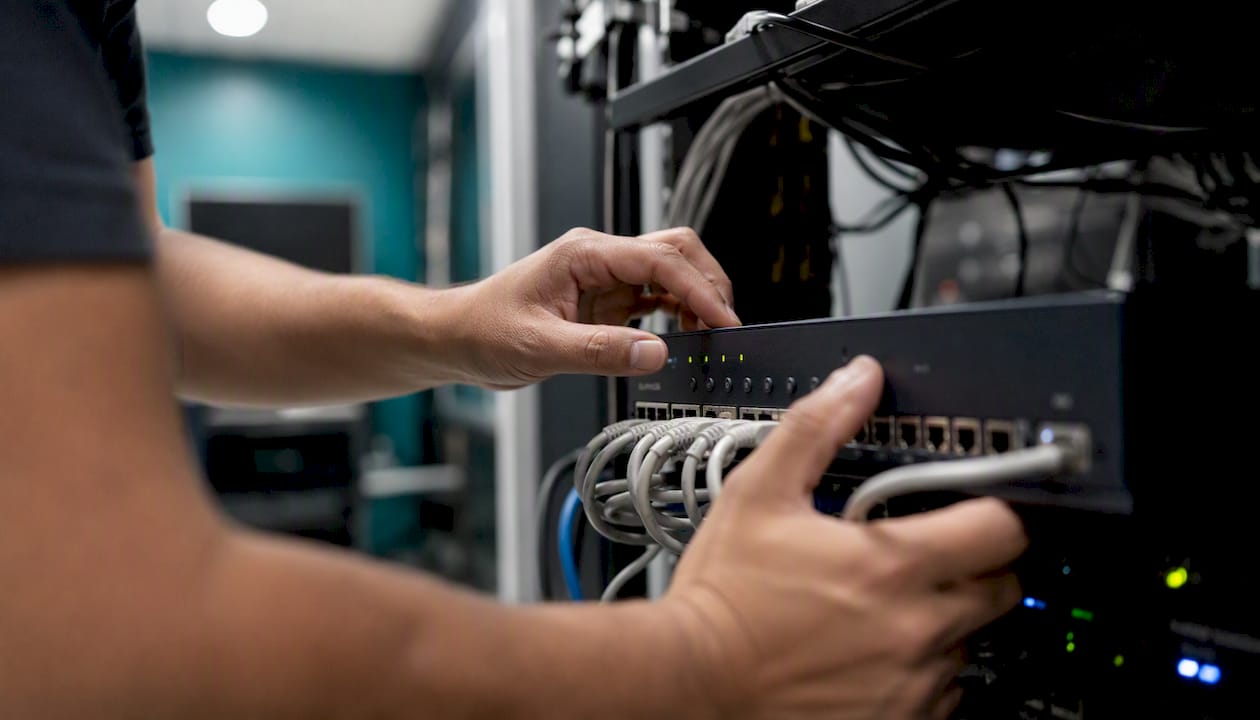
Numbers only help if you know which ones matter and what to do when they cross a line. Here's the practical threshold guide worth keeping next to your router.
Statistic callout: Round-trip latency under 150 milliseconds keeps conversation feeling natural. Jitter is the most sensitive of the three: even small amounts of variation, ideally kept close to 1.0 millisecond, can introduce the robotic, choppy sound that callers describe as "bad VoIP," and it climbs fast once a network gets congested.
The diagnostic path, in order:
- Check your MOS score if your provider exposes it in a dashboard. Anything consistently below 3.5 means a real, ongoing problem, not a one-off bad call.
- Run a continuous ping and traceroute to your provider's server during a problem call. Look for spikes in latency and where in the route they occur.
- Test on a secondary network (a phone hotspot, for instance) to isolate whether the problem is your office network or something further upstream.
- Check whether your calls use UDP or TLS/SRTP for signaling and media. Some restrictive firewalls or overly aggressive security appliances silently interfere with SIP traffic, and that shows up as intermittent registration failures rather than obvious blocked calls.
Field testing backs up what good configuration can achieve. In PCMag's testing of business VoIP services, reviewers reported clear voice quality and few dropped calls across the platforms evaluated, which tells you the ceiling for VoIP performance is genuinely high when the network and provisioning are handled correctly. If your own results look nothing like that, the problem is almost always somewhere in the setup, not an inherent limitation of the technology.
When you call your ISP or SIP provider with a problem, ask specifically for their packet loss and jitter numbers on your circuit over the affected time window, and ask whether your account shows any QoS policy applied to voice traffic. Vague answers to either question are a sign you need a more technical conversation, or a different provider.
VoIP vs. Landlines: Which One Is Actually More Reliable?
The honest answer is that it depends on what kind of failure you're protecting against, not which technology is inherently better.
| Factor | Traditional landline (POTS) | Modern cloud VoIP |
|---|---|---|
| Power outage resilience | Often keeps working (line-powered) | Requires backup power (UPS) for on-site gear |
| Internet dependency | None | High. Requires working internet |
| Redundancy options | Limited, single physical line | Multi-datacenter, dual-ISP, cellular failover |
| Cost to scale | Expensive per additional line | Cheap to add lines or extensions |
| Feature flexibility | Minimal | Extensive (routing, mobile apps, recording) |
| Disaster recovery | Tied to physical line repair | Can reroute instantly to mobile numbers |
A landline's advantage is narrow but real: it often keeps working during a local power outage because the phone company powers the line itself. That's exactly why call centers, medical offices, and businesses in areas with unreliable power sometimes keep a landline as a backup rather than a primary system, particularly where e911 location accuracy is a legal or safety requirement.
But that narrow advantage comes at the cost of everything else. A landline has no meaningful redundancy: if the physical copper is cut, you have exactly one point of failure and no automatic backup. A properly architected cloud VoIP system, with dual internet connections, provider-side geographic redundancy, and mobile failover, can match or exceed landline availability while adding capabilities no landline ever offered. The decision rule is simple: businesses with unreliable power or a genuine emergency-services dependency should keep a hybrid setup; everyone else gets more real-world reliability from a well-built VoIP deployment than from copper alone.
When Should You Handle This Yourself, and When Do You Call a Professional?
A single-line office with a decent router and one static-IP internet connection can often get away with a DIY VoIP setup. If that describes your business, and you're comfortable configuring QoS yourself, buying a UPS, and reading an SLA closely, there's no need to overpay for something you can manage.
That calculation changes fast once a business crosses a few thresholds. Here's where I'd tell a business owner to stop configuring routers themselves and bring in a specialist:
- You're running multiple locations that all need consistent call routing and a shared directory.
- Nobody in-house genuinely understands QoS, VLANs, or how to read a carrier SLA.
- The building needs new cabling, and a botched cabling job is far more expensive to fix after the fact than to do right the first time.
- Guaranteed uptime is a contractual or operational requirement, not a nice-to-have.
- You've already tried the DIY checklist and still have unexplained call quality problems.
A quality managed installation should include a site survey that actually measures your building's network readiness, not a form filled out over the phone. It should include real on-site cabling where needed, hands-on testing of failover before the installer leaves, and staff training so your team knows what to do if a connection drops mid-call. Anything less than that is a box of phones with a login sheet, and that's precisely the setup most likely to fail the first time your internet has a bad day.
How BusinessVoip.ca Closes the Reliability Gaps This Article Just Named
Every reliability gap covered above, weak last-mile connections, missing QoS, no UPS, unclear SLA exclusions, gets solved on-site, not over the phone, when Businessvoip designs and installs your system.

Most VoIP providers ship a box of phones and a login link, then leave you to configure QoS, cabling, and failover on your own, which is exactly how the reliability gaps in this article show up in the first place. Businessvoip's Ontario-based team runs a real site survey, designs a dual-carrier and redundancy plan around your specific building, physically cables and installs every phone, configures failover routing, and tests it before they leave. That on-site model is the difference between an SLA number on a page and phones that actually work when your internet has a bad afternoon.
What that looks like in practice: a technician maps your existing network and cabling, recommends a secondary connection where one is missing, programs QoS and voice VLANs into your router and switches, and configures automatic call forwarding and mobile fallback so an outage never means a dead phone line. Rented phones carry a lifetime warranty, and fixed pricing means no surprise increases once you're locked into the system. For businesses running multiple locations or remote offices, the multi-site and remote office design covers exactly the failover and routing complexity this article describes.
If your business fits any of the "call a professional" criteria above, start with a phone system design consultation to get a concrete plan and quote for your building.
Sources
- VoIP Uptime: What the 99.9% SLA Actually Means for Your Business | Broadtela