Yes: deploy a dedicated voice VLAN with end-to-end QoS trust, and your business VoIP will stop dropping words mid-sentence during the Monday morning rush. That's the whole answer. Everything else is execution detail.
If you need the condensed version before diving into the how and why, here's the checklist to run right now:
- Create a dedicated voice VLAN (commonly VLAN 10 or similar) separate from the data VLAN
- Set the voice VLAN ID on each switch and assign it to phone-facing access ports
- Enable LLDP-MED or OUI-based auto-detection, or assign ports manually if you need tighter control
- Trust DSCP and CoS markings on voice ports so phones' own tags survive the trip
- Confirm your switch's PoE budget covers every phone at worst-case draw, not just port count
- Configure DHCP Option 66/150 (and Option 132 where supported) so phones provision themselves
- Place a test call and check for one-way audio, choppiness, or delay before calling it done
For QoS, the industry-standard values are DSCP EF (46) for the actual voice packets (RTP), CS3 for SIP signaling, and 802.1p CoS 5 for the voice VLAN's Layer 2 tag. Apply those first, then tune from there.
Key Takeaways
A reliable business VoIP deployment depends on a dedicated voice VLAN, trusted DSCP EF (46) marking end to end, and a PoE budget sized to worst-case device draw rather than port count.
| Point | Details |
|---|---|
| Isolate voice traffic | Use a dedicated voice VLAN to protect call quality from data VLAN broadcast noise and congestion. |
| Choose discovery mode deliberately | Auto mode (OUI/LLDP-MED/CDP) saves setup time; manual assignment gives tighter security control. |
| Mark and trust consistently | Apply DSCP EF (46) for RTP and CS3 for SIP, and trust those tags on every switch port and WAN hop. |
| Size PoE for worst case | Budget power by each phone's actual class draw, not by counting available PoE ports. |
| Verify before calling it done | Test live call quality for latency, jitter, and packet loss, and check DSCP survival at the WAN edge. |
| Consider a managed install | Businessvoip designs, cables, and commissions voice VLANs on-site so QoS and PoE are verified before handoff. |
Table of Contents
- Why Voice VLAN Setup Matters for Call Quality
- Automatic Discovery vs. Manual VLAN Assignment: Which Is Right for Your Phones?
- What DSCP and CoS Values Should You Use for VoIP Traffic?
- Configuring Access Ports and Trunk Links for Voice VLAN Traffic
- Setting Up DHCP Options for Automatic Phone Provisioning
- How Do You Calculate PoE Power Budgets for VoIP Phones?
- Troubleshooting Voice VLAN and QoS Problems Step by Step
- What Installers See Most Often on Voice VLAN Deployments
- Skip the Configuration Headaches with a Fully Installed VoIP System
- Sources
Why Voice VLAN Setup Matters for Call Quality
Putting phones and PCs on the same broadcast domain is a common mistake, and it usually is a bandwidth problem. A big file transfer or a chatty backup job can flood a shared VLAN with broadcast traffic, and voice packets get stuck behind it. Voice runs on UDP with real-time delivery requirements. Data traffic does not care if it arrives half a second late. Voice absolutely does.
Separating the two into a dedicated voice VLAN solves several problems at once:
- Isolation: broadcast storms, ARP floods, or a misbehaving IoT device on the data VLAN can't touch call quality
- Simpler troubleshooting: when a phone acts up, you know exactly which VLAN, which switch port, and which DHCP scope to check
- Cleaner security policy: you can lock down voice VLAN access separately from general user devices, which matters more once someone plugs a laptop into the same jack as a desk phone
Design toward known thresholds rather than guessing. According to Viirtue's VoIP readiness guidance, a dedicated voice VLAN with trusted end-to-end DSCP marking is one of the three pillars of a network actually ready for VoIP, alongside correct PoE sizing. In practice, you're aiming for round-trip latency under 150 milliseconds, jitter under 30 milliseconds, and packet loss under 1%. Cross those lines and callers start noticing.
Skip the dedicated VLAN only on tiny deployments, maybe five phones or fewer on a quiet network with no video conferencing or heavy file transfer competing for bandwidth. Past that, the segmentation pays for itself the first time someone plugs in a new printer and phones start dropping.
Automatic Discovery vs. Manual VLAN Assignment: Which Is Right for Your Phones?
Voice VLANs support two assignment models, and picking the wrong one for your environment is where a lot of installs go sideways.
Auto mode lets the switch detect a phone and assign the port to the voice VLAN on its own, using one of three mechanisms: matching the phone's MAC address against a known Organizationally Unique Identifier (OUI) table, reading LLDP-MED advertisements, or reading CDP on Cisco gear. TP-Link's configuration documentation describes this as the standard split: Auto mode for zero-touch detection, Manual mode for administrator-controlled port assignment. Most switches ship with common phone vendor OUIs preloaded, but you'll need to add custom OUIs if you're running a less common handset brand.
Manual mode means you explicitly assign the voice VLAN to specific switch ports, full stop. No detection, no guesswork.
Here's how to think about which one fits your rollout:
- Choose Auto if you have mixed or growing phone fleets, non-technical staff who might relocate desks, and switches with solid LLDP-MED support. It saves real configuration time.
- Choose Manual if security policy requires strict control over what's allowed to reach the voice network, or if your phones don't support LLDP-MED reliably.
- Set voice VLAN aging time deliberately. This determines how long a port stays in the voice VLAN after the phone disconnects, typically configurable from a few minutes up to several hours. Shorter aging tightens security; longer aging avoids re-negotiation churn if phones get power-cycled often.
- Enable voice VLAN security mode where your switch supports it, which restricts the voice VLAN to traffic sourced from recognized phone MAC addresses and drops everything else, even if someone manually tags a rogue device into that VLAN ID.
Sophos's switch documentation shows the same pattern across a modern GUI: a global status toggle for Disabled, Auto, or OUI-based detection, plus per-port settings for VLAN ID, DSCP, and CoS. That convergence across vendors is convenient. It means the concepts you learn on one platform transfer almost directly to the next.
Pro Tip: If you're deploying more than one phone brand, don't rely purely on the default OUI table. Pull each phone's MAC prefix from its label or admin page and add it manually, or you'll spend your first week chasing ports that silently failed to auto-assign.
What DSCP and CoS Values Should You Use for VoIP Traffic?
Marking packets correctly only matters if every hop along the path respects the marking. This is the part installers skip, and it's the single most common reason a VLAN gets built correctly but calls still sound rough.
The values themselves are settled industry practice. Standard VoIP QoS configuration guidance calls for marking RTP media streams with DSCP Expedited Forwarding, decimal value 46, and SIP signaling traffic with DSCP CS3. At Layer 2, the 802.1p Class of Service tag for voice typically sits at priority 5.
Here's where each piece of that marking actually happens:
- The IP phone marks its own RTP and SIP packets as they leave the handset. Most business-grade phones do this correctly out of the box.
- The switch port must trust that marking, not remark it to something lower. On Cisco gear, this is the "trust device" or trusted-boundary command applied to the voice VLAN interface. Cisco's Catalyst 9300 configuration guide documents these trust commands specifically for voice VLAN ports.
- The WAN edge and firewall must prioritize EF-marked traffic in any outbound queue, or the careful marking you set up internally gets flattened the second packets leave the building.
Common pitfalls that strip markings: consumer-grade routers that ignore DSCP entirely, older switches with QoS disabled by default, and firewalls that rewrite ToS bytes during NAT translation. Any one of these silently degrades voice to best-effort delivery, and nothing in your logs will flag it outright.
To verify tags survive the trip, run a packet capture at the WAN interface during an active call and confirm the DSCP field still reads 46 for RTP packets. If it's zero, something between the phone and the WAN edge is stripping it, and you need to trace back hop by hop.
Configuring Access Ports and Trunk Links for Voice VLAN Traffic
The standard access-port pattern for a desk phone with a PC plugged into its back port looks like this: the data VLAN rides untagged (since the PC has no VLAN awareness), and the voice VLAN rides tagged on the same physical cable. The phone itself handles the tagging, passing untagged traffic through to the PC while keeping its own voice traffic separated.
A frequent misconfiguration is enabling the voice VLAN feature on trunk ports between switches. Don't. Cisco's documentation is explicit that voice VLAN configuration belongs on access ports only. Uplinks and trunks should simply carry the voice VLAN as one of several tagged VLANs in the allowed list, no special voice VLAN command needed.
A typical CLI sequence (syntax varies by vendor, but the logic holds) runs something like this:
- Create the VLAN:
vlan 10thenname VOICE - Assign it as the switch's designated voice VLAN:
voice vlan 10 - On each phone-facing access port:
switchport mode access,switchport access vlan 20(data),switchport voice vlan 10 - Set voice VLAN priority and aging (minutes)
- On uplink trunks:
switchport mode trunk,switchport trunk allowed vlan add 10,20 - Enable OUI-based or LLDP-MED discovery, or skip straight to security mode if you're assigning manually
A voice VLAN configured correctly on an access port but accidentally duplicated on a trunk port is one of the more common sources of "phones worked yesterday, don't work today" tickets. The trunk doesn't need the voice VLAN command at all. It just needs the VLAN ID in its allowed list, tagged.
Where your switch supports it, enable voice VLAN security mode, which whitelists traffic by recognized phone MAC OUIs. This closes an easy VLAN-hopping vector: without it, a technically capable user could manually tag their laptop's traffic with your voice VLAN ID and gain access to a network segment meant only for handsets.
Setting Up DHCP Options for Automatic Phone Provisioning
Phones need more than an IP address to become useful. They need to know where to fetch their configuration file, and that's where DHCP options and LLDP-MED work together.
- Configure DHCP Option 66 to point phones to a provisioning server URL, typically an HTTP or HTTPS address hosting configuration files. Many phone brands read this option by default straight out of the box.
- Configure DHCP Option 150 as a fallback or primary path for phones that expect a TFTP server IP instead of a URL. Cisco phones historically lean on this option.
- Configure DHCP Option 132 on switches or scopes that support it to hand phones their VLAN ID directly, useful as a backup when LLDP-MED isn't available or isn't trusted.
- Enable LLDP-MED on switch ports so phones learn their voice VLAN ID and QoS policy automatically, without needing a DHCP relay to hand off VLAN info first. Cisco's own documentation on voice VLAN configuration treats LLDP-MED as the more reliable zero-touch path where hardware supports it, cutting manual per-port setup time substantially.
Build a separate DHCP scope for the voice VLAN's subnet, distinct from the data VLAN's scope, and make sure your provisioning server or TFTP host is reachable from that voice subnet without routing through a firewall rule you forgot to write. SpectrumVoIP's readiness documentation also flags a related but separate issue worth handling at the same time: disable SIP ALG on any firewall in the path, since it frequently corrupts SIP signaling in ways that look exactly like a provisioning failure.
How Do You Calculate PoE Power Budgets for VoIP Phones?
Powering phones over Ethernet sounds simple until the fifteenth handset boots at once after a power outage and your switch starts shedding ports. Sizing PoE by counting available ports is the single most common budgeting mistake in VoIP deployments, and Viirtue's readiness checklist calls this out directly: size the switch's PoE budget by worst-case device draw, not by how many PoE ports the switch happens to have.
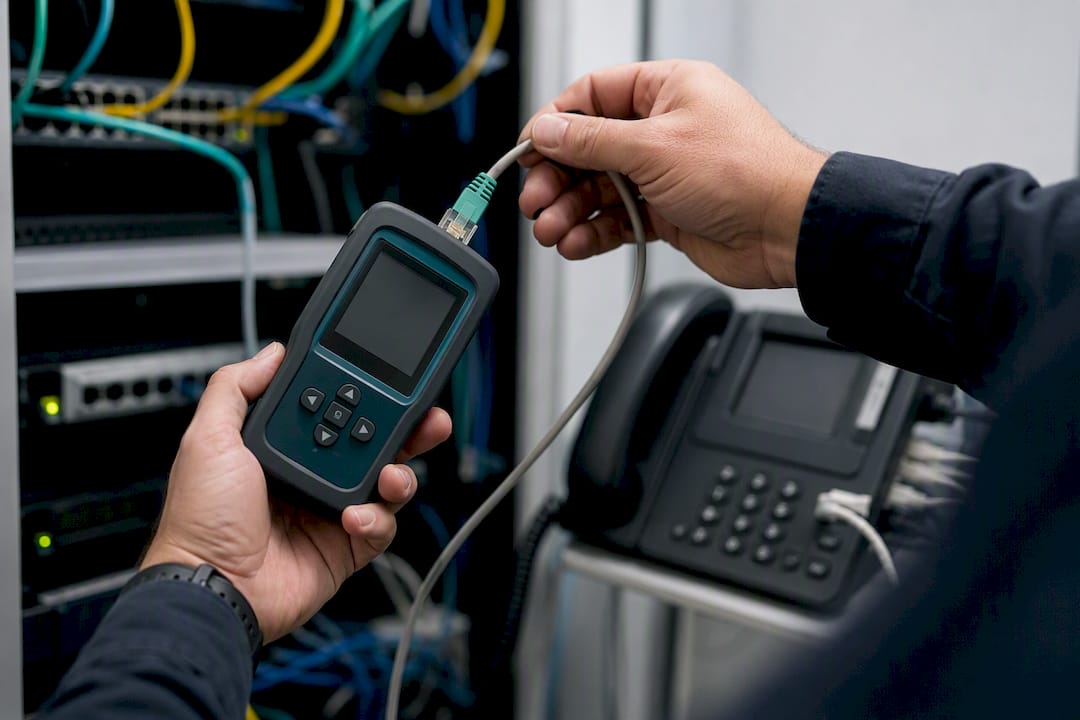
Different phone models draw meaningfully different power, and the gap matters when you're planning for forty desks instead of four.
Add up every device's worst-case class draw, not its average, then compare that total against the switch's rated PoE budget, leaving real headroom for boot spikes when phones power up simultaneously after an outage.
Pro Tip: Never plan a PoE switch at exactly 100% of its rated budget. Leave at least 20% headroom for growth and boot spikes, and keep a spare PoE injector or a spare switch on the shelf for the day one unit fails at 4:45pm on a Friday.
Troubleshooting Voice VLAN and QoS Problems Step by Step
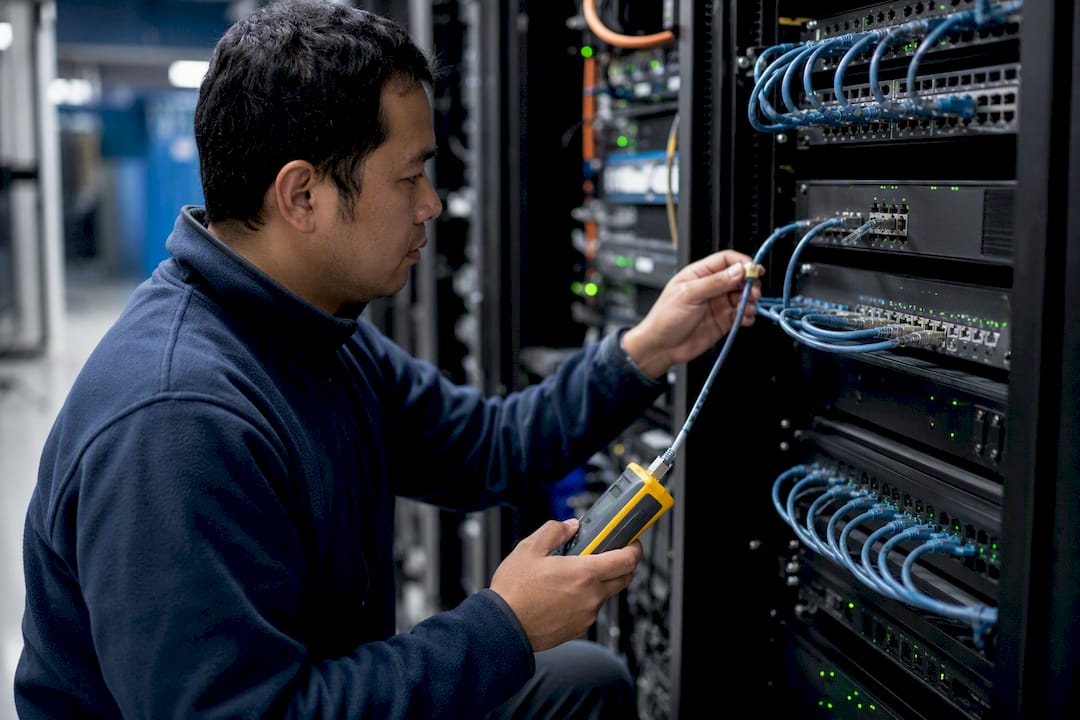
Most call quality complaints trace back to a broken link somewhere in the chain of trust between phone and carrier. If any single hop, the switch port, the firewall, the WAN router, strips a VLAN tag or rewrites a DSCP value, voice falls back to best-effort queuing and quality drops immediately.
Work through the chain in order: confirm the phone is actually in the voice VLAN (show vlan, show interface switchport), confirm the switch trusts DSCP/CoS on that port, confirm the WAN edge prioritizes EF traffic in its outbound queue, and confirm PoE status shows normal power delivery rather than a fault or budget warning.
| Symptom | Likely Cause | First Check |
|---|---|---|
| One-way or no audio | NAT traversal or SIP ALG interference | Disable SIP ALG on the firewall |
| Choppy or robotic audio | DSCP stripped, or PoE power fault | Trace DSCP at WAN edge; check PoE status |
| Phone won't provision | DHCP Option 66/150 misconfigured | Verify scope options and DNS resolution |
| Calls drop after idle period | Voice VLAN aging timeout too short | Increase aging time on the switch |
| Delay or echo | High latency or jitter on WAN | Run a jitter/latency test during a live call |
Place a test call during business hours and check for delay above 150 milliseconds, jitter above 30 milliseconds, or any audible packet loss. If those metrics look clean on the LAN side but calls still sound bad, the problem has moved upstream to your WAN provider or carrier, and it's time to escalate rather than keep re-checking switch config.
What Installers See Most Often on Voice VLAN Deployments
Nearly every voice VLAN failure we've seen traces back to something skipped before the truck ever left the shop: a PoE budget calculated by port count instead of worst-case draw, an LLDP-MED mismatch between phone and switch firmware, or a missing DHCP option that leaves half the phones unprovisioned.
Commissioning with a real test call, not just a dial tone check, catches these before the client notices. That's the difference between a clean handoff and a support ticket three days later. BusinessVoip.ca builds pre-deployment checks and on-site commissioning into every install specifically to close that gap before it becomes a phone that "just doesn't work right."
Skip the Configuration Headaches with a Fully Installed VoIP System
Everything above, the VLAN tagging, the DSCP trust chain, the PoE math, the DHCP scopes, is exactly the kind of work that eats a full day even for an experienced network administrator, and it's unforgiving if you get one setting wrong. Businessvoip handles all of it on-site: system design, VLAN and QoS programming, cabling, phone provisioning, and PoE budget planning, done by a local Ontario team rather than shipped to you in a box with a setup guide.

That matters most on the exact items this article walked through. Businessvoip's installers verify PoE headroom before phones ever get racked, confirm DSCP and CoS trust end to end, and set DHCP provisioning options so every handset comes online without a technician touching each port by hand. If you're running a multi-site operation, the same team handles VoIP for multi-site and remote offices so trunking and VLAN design stay consistent across locations. Property managers, staffing agencies, and tech companies each have their own dedicated setup path, including the property management phone system page and the tech company and ISP page for teams that need carrier-grade reliability from day one.
If you'd rather have a team design, cable, and commission the whole system than debug a chain-of-trust issue at 6pm, start a phone system design request and get a quote for an on-site install.
Sources
- Configuring Voice VLAN - TP-Link
- VoIP QoS configuration guide - SIPforum / VoIP guides
- VoIP network readiness: voice VLAN design and PoE switch sizing - Viirtue